

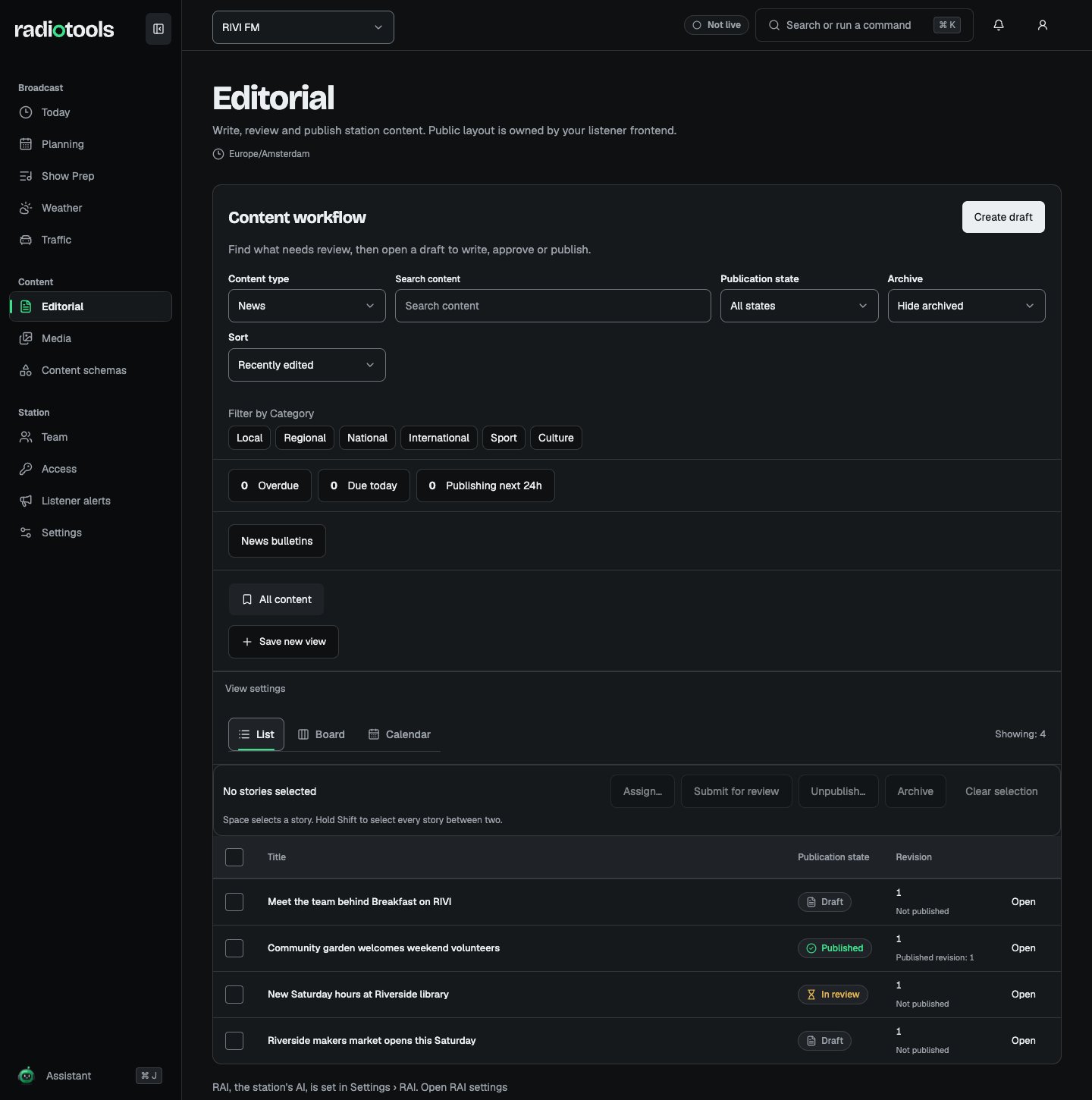
Sample: the RIVI FM newsroom collection.
Find or create a record
Choose the content type, then use search, status filters, and sorting to find a record. Clear filters if you expect records that are missing. Saved views retain a useful collection setup; personal views belong to you, while shared views require views management permission. Choose the create action to start a draft. Fill in the required fields and body. Duplicate as draft creates a separate draft with copied fields; it does not carry publication state forward.Write and save
Articles use a continuous rich text editor. Pages use ordered blocks for text, images, embeds, and related content. Use the available block controls to reorder a page. Draft fields and body autosave after a short pause. Wait for Saved before submitting, approving, or publishing, because those actions use a saved revision. Save draft is available when you need to save explicitly.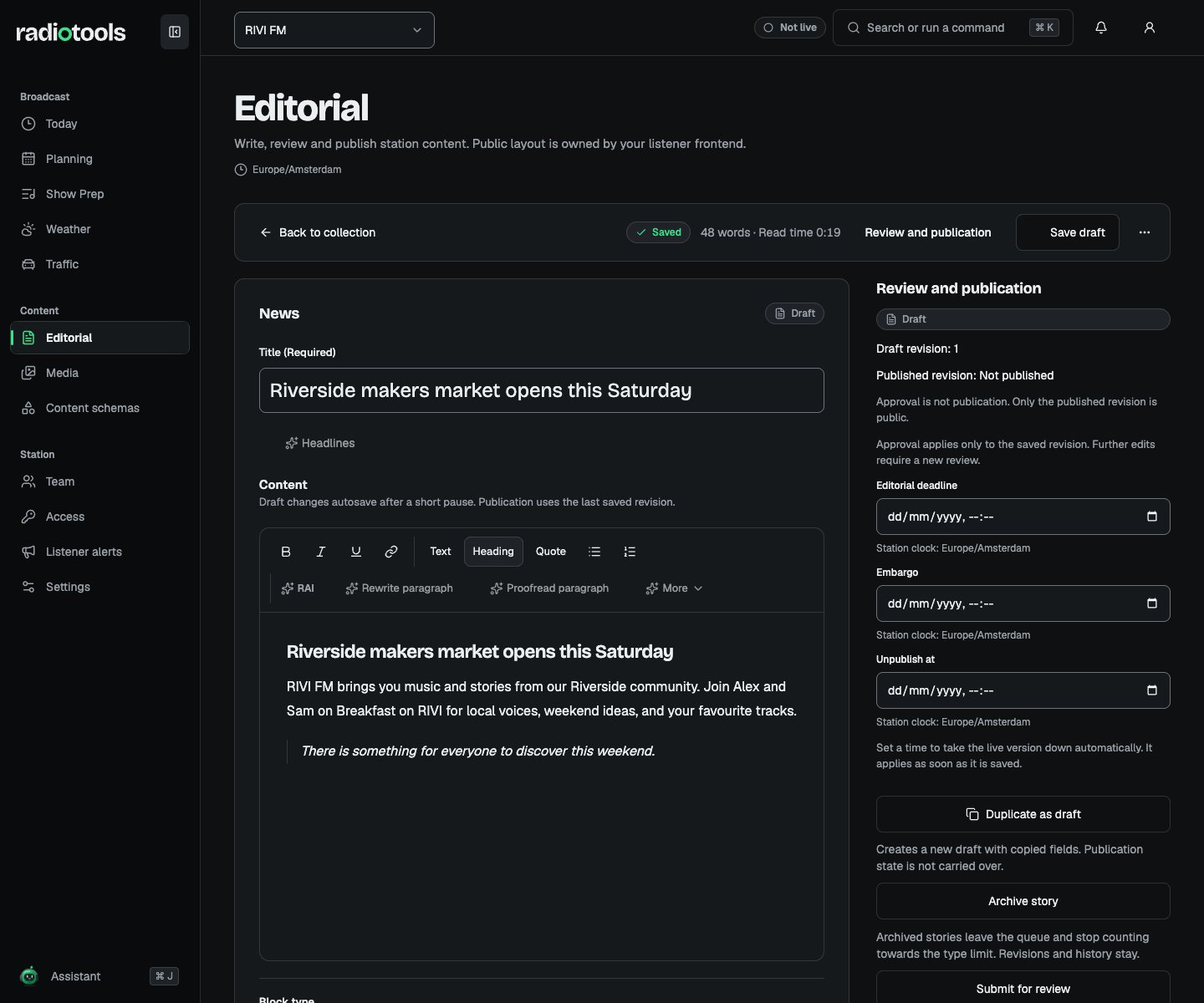
Sample: editing a news draft before review.
Comments, assignments, and deadlines
Use comments to discuss a record with colleagues who can access it. Mentions and assignments help route work, but they do not grant access to a private draft. An Editorial deadline is the team’s work target. An Embargo is a restriction on when publication can happen. Neither replaces an explicit publish or schedule action. Check the deadline overview for overdue work, items due today, and upcoming scheduled publication.Review and publish
Your station configures whether a type requires review. Editing, reviewing, and publishing are separate permissions. Approval clears when the draft, assignment, privacy, or review policy changes. Submit the updated revision again when required.
For scheduled publication, check the timezone shown by the scheduling control and confirm the intended instant. The job uses the exact approved revision. If it fails or the record changes, resolve the warning and schedule again.