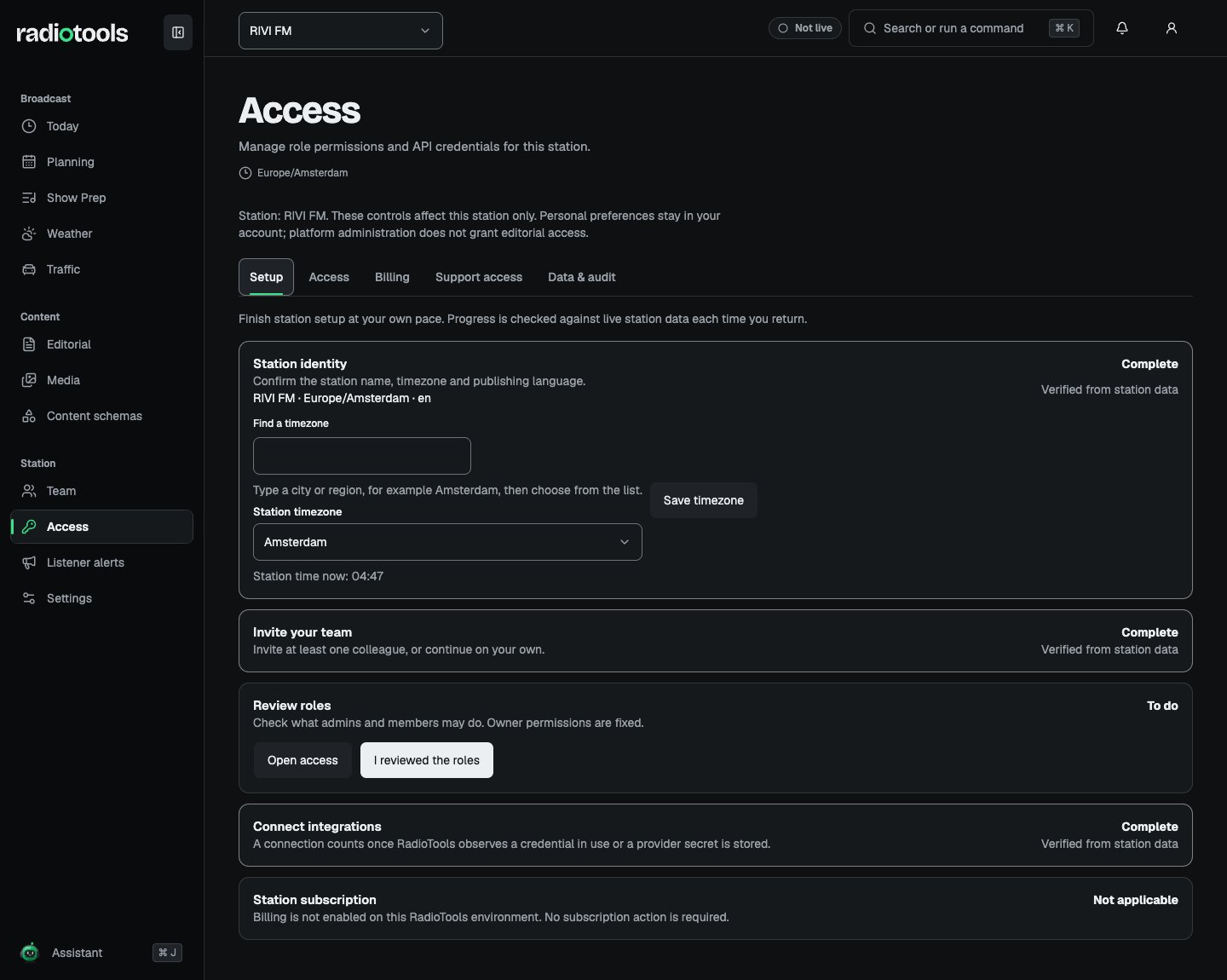
Station owners see Set up your station on Today until setup is complete. The same steps appear on the Setup tab in Access. Progress comes from saved station data and is checked again each time you return.
RIVI FM Setup tab with station identity, team, and integrations complete and the review roles step still to do

Sample: setup progress for RIVI FM.

Complete the setup steps

Stations that switch off both the Playback and Listener alerts modules are not asked to connect integrations. Only owners see the subscription step. Setup completes only after RIVI has finished provisioning the station. If every step is addressed but setup is not complete, the checklist says so. Addressing checklist items does not override a provisioning or suspension problem.

Start with the timezone

Planning, Today, and the schedule use the station timezone. Set it before generating broadcasts. You can save it from the Station identity step with Save timezone, or in Settings → Station defaults together with the station language. For the fictional RIVI FM example, the station uses Europe/Amsterdam and English. The station language is also the interface language for every member at the station. Changing it does not translate existing content.

Skipped and hidden steps

A skipped step stays visible as Skipped. Skipping integrations does not indicate that an external system is connected. Hide setup checklist hides the checklist on Today for that station, on all your devices. It does not complete the station setup. Choose Resume setup to show it again.

Before the first broadcast

Fill in the station Profile and switch off any modules the station does not run in Station settings. Schedule a sample broadcast, open Show Prep, and confirm that assigned staff can read and edit the expected material. Review media access and publishing permissions. If the station will deliver listener content, test its API credentials and public switches separately. If station access is suspended or provisioning remains incomplete, contact your support channel with the station and visible reference ID.