Editorial policy works at two levels. The station workflow sets which steps every content type can use. Each content type then has its own authoring mode and review policy. Set these deliberately so authors know how a saved draft reaches listeners.

Choose the station workflow

In Editorial, open Station workflow with Manage content schemas. Choose the steps between draft and published: Choose Save station workflow. Switching a stage off clears the submissions or approvals it recorded; scheduled publications still run. With review off, drafts publish directly.

Set the type workflow

Open Settings → Editorial and find Type workflow. You need Manage content schemas.
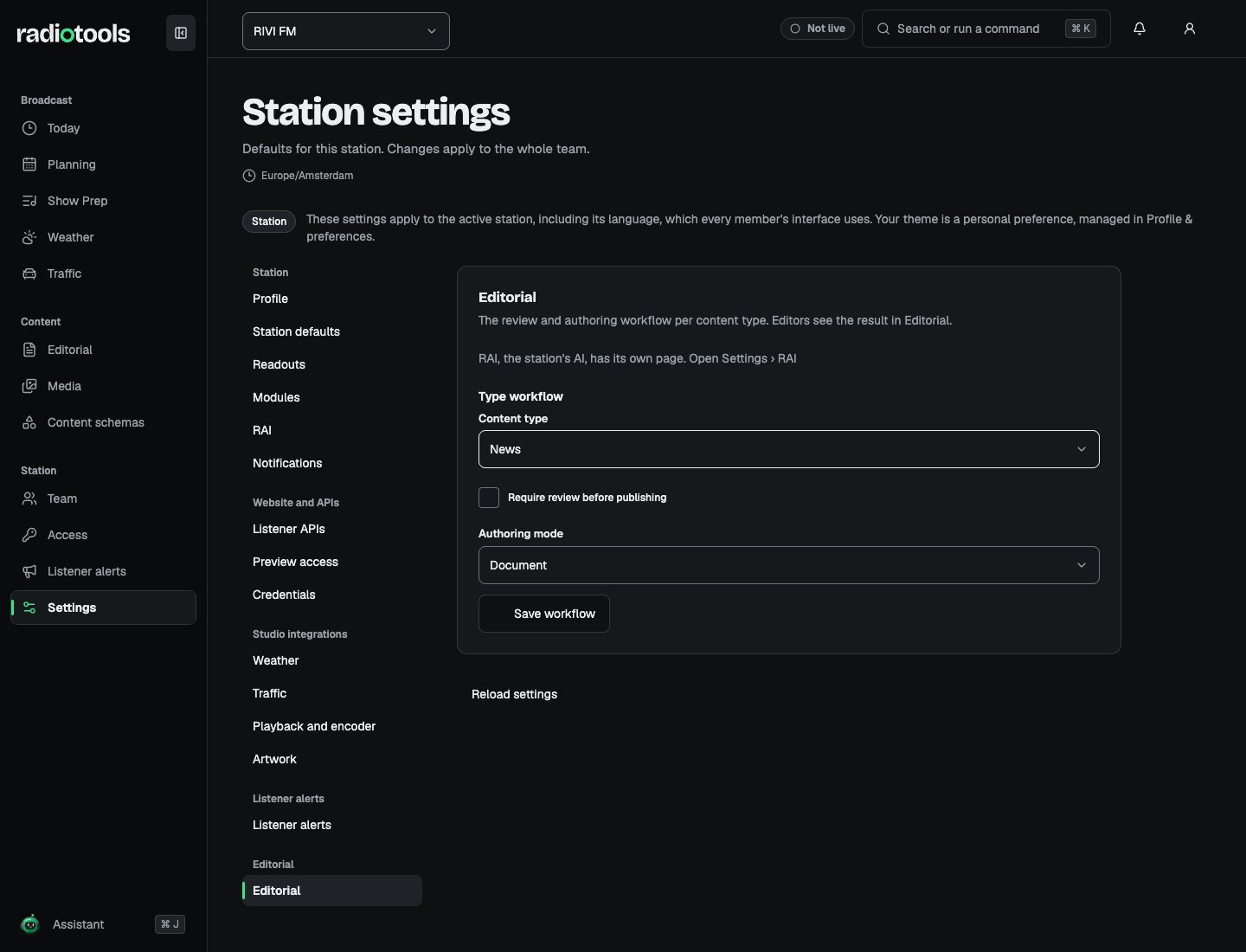
RIVI FM editorial settings showing the type workflow for News with the review requirement and authoring mode

Sample: the type workflow for RIVI FM news.

Choose Save workflow, then review a sample draft before asking the team to use the new policy. Document mode suits continuous articles. Ordered blocks suit pages built from text, media, embeds, and related content. If the authoring mode changes while a draft exists, authors use Convert draft to the current type mode before saving the converted body. RIVI FM could require review for news while allowing authorized publishers to publish simpler station notices directly. The setting applies per type, rather than changing every station record at once.

Assign the required permissions

Content editing, review, and publication are separate actions: Edit content, Review content, and Publish content. Editing also follows draft ownership and assignment. Review approval applies to the submitted saved revision. Publishing, scheduling, unpublishing, and canceling jobs require publication access. The News desk job gives a person write, review, and publish access. See Roles and access. Machine credentials follow the same workflow gates and cannot self-approve review-required content.

When approval becomes invalid

Changes to the body, fields, assignment, privacy, or review policy clear approval. Authors save and resubmit the updated revision when review is required. A scheduled job targets the exact approved revision. Check failed or canceled jobs after a draft changes, then approve and schedule the intended revision again. Switching off the Editorial module in Station settings also stops scheduled publishing.

Unpublishing

Unpublishing removes listener delivery on the next authorized read. A listener app that stores content locally must revalidate it. Coordinate with the website or app team if removal needs to reach their local cache as well. See Editorial for the staff workflow and Public delivery for integration behavior.